Multi-factor Authentication (MFA)
New Feature
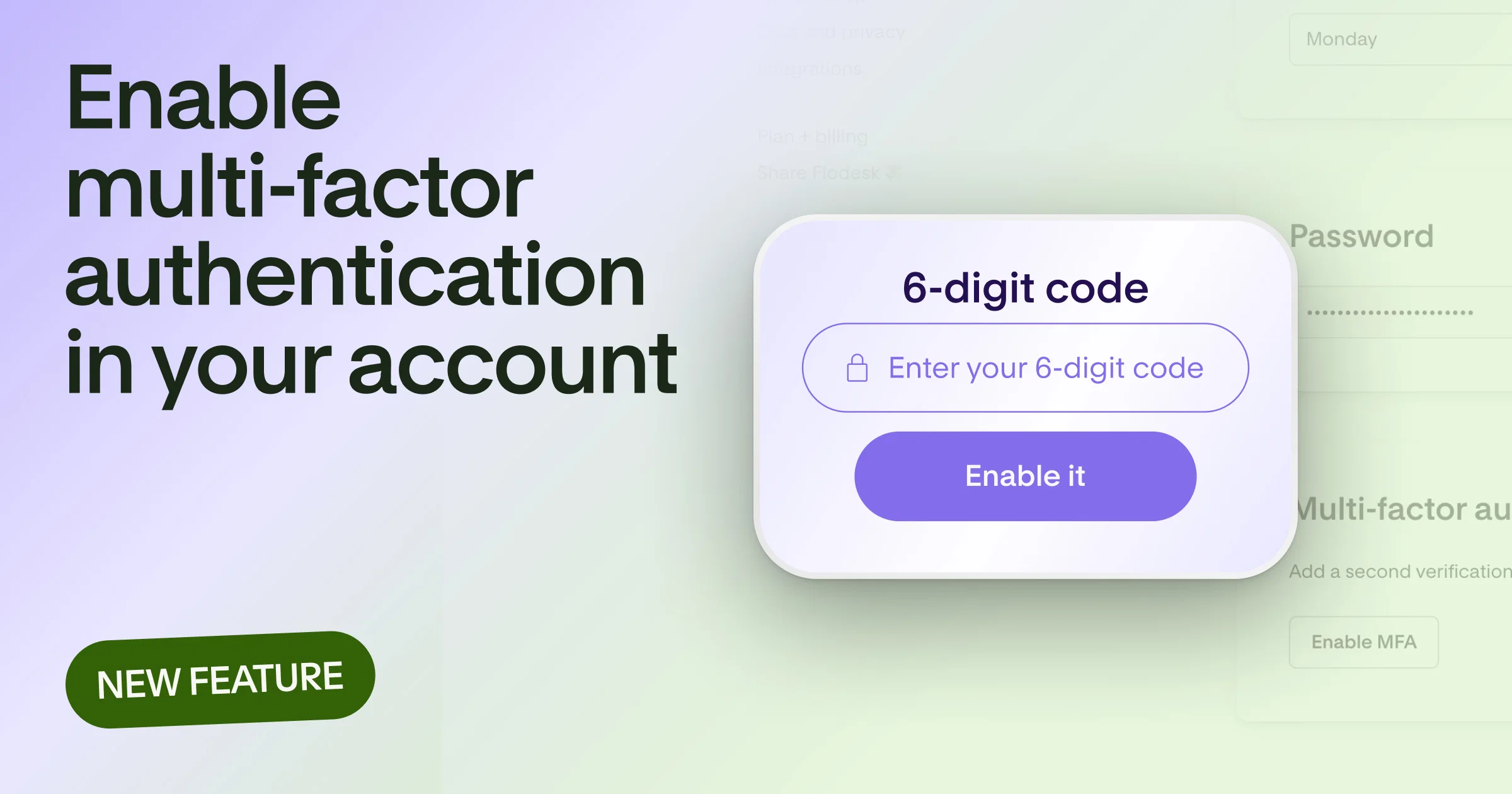
Add an extra layer of protection to your account with multi-factor authentication (MFA). When you turn it on with an authenticator app, every email-and-password login asks for a one-time code from your phone to verify it's really you logging in.
Here's whats new
- Turn on MFA anytime from Account settings > Account overview. Scan the QR code with the authenticator app you already use, enter the code it generates to confirm, and you're set.
- Once it's on, your authenticator code replaces the email verification code (OTP) you're used to at login so your password alone isn't enough to get into your account.
- The code is also required when you authorize a third-party app that connects to Flodesk through the API, keeping those connections just as protected.
- Prefer to sign in with Google? Nothing changes for you. Your second factor stays whatever MFA you've set up on your Google account.
- Need to turn it off? You can do that from the same Account overview page after re-authenticating.
Learn more
You can learn more about multi-factor authentication in our help center